

What is InVision?
Transforming design ideas to life! Discover InVision, the leading digital product design platform, and how it facilitates seamless collaboration and prototyping.
 Articles
On this page11 sections
InVision stands out as a leading product design and collaboration tool, tailored by designers for designers. It emphasizes facilitating collaboration throughout all stages of product design, including prototyping, development, and testing. With InVision, you can craft interactive mockups for your wireframes, providing both control and clarity over your project.
Once you’ve added the essential elements and pages to your design, InVision allows you to share your mockups with collaborators and stakeholders to gather valuable feedback.
With approximately 7 million users, including many from Fortune 500 companies, InVision is a go-to tool for optimizing workflows. Major organizations like Airbnb, Slack, Starbucks, and Uber rely on InVision. Its user-friendly features make it accessible to all project members, regardless of their role or experience, ensuring a superior user experience and enhanced product design.
What You Can Do with InVision
Prototyping
InVision allows you to effortlessly create interactive mockups for your projects. You can use its drag-and-drop functionality to add various elements such as photos, drawings, and designs from multiple sources like your system, server, or cloud. The InVision Board lets you customize and collaborate on your imported designs, supporting a wide range of file types. This feature helps you present your work with clarity and precision.
Project Management
InVision Workflow facilitates effective project management through its screen management tools. You can organize and assign screens, create to-do lists for feedback and requirements, and track progress using the Activity tab. You can set due dates, color labels, and manage deadlines to enhance project visibility and organization.
Client Presentations
InVision Tours provides a virtual walkthrough of your prototype, allowing you to showcase the user experience, project features, and design changes to stakeholders. This feature helps guide end-users, highlight key components, justify design decisions, and gather feedback effectively.
Animation
Adding animations to projects can be challenging, but InVision simplifies this process with swipe transitions, timeline editing, and automatic layer linking. You can easily manage multiple frames and integrate animations without common implementation issues.
Advantages of Using InVision
Effortless Design
With InVision’s drag-and-drop functionality, designing prototypes is quick and easy. You can load designs from Google Drive, Box, and Dropbox, create clickable prototypes, and add hover states to demonstrate dynamic elements.
Mobile Prototyping
InVision supports both mobile and desktop prototypes. It allows you to create mobile prototypes with gesture controls, animations, transitions, and responsive designs, accommodating various screen sizes and shapes.
Communication
InVision excels in collaboration by offering real-time feedback and ideas through its Live Share feature. This allows you to work with designers worldwide, participate in conference calls, chat, and make real-time design changes.
Syncing
For global teams, InVision provides syncing and versioning tools to track project changes, manage version history, and collaborate on remote systems. You can also handle permission management and project storage in the cloud.
Is InVision Free to Use?
InVision is not entirely free, but it offers a free trial with limited access to its tools. The free plan allows you to create one prototype with unlimited screens and add unlimited collaborators. If you need more prototypes, you’ll have six days of unlimited access before requiring an upgrade. InVision offers three pricing plans: free with limited features, pro for cross-collaborative teams, and enterprise with unlimited features.
Keep reading
All resources Case study
Mobile app onboarding redesign case study
An instrumented onboarding rebuild lifted a mobile app's sign-up completion from 48 to 70 per 100, and the same measurement showed where the real bottleneck was.
 Case study
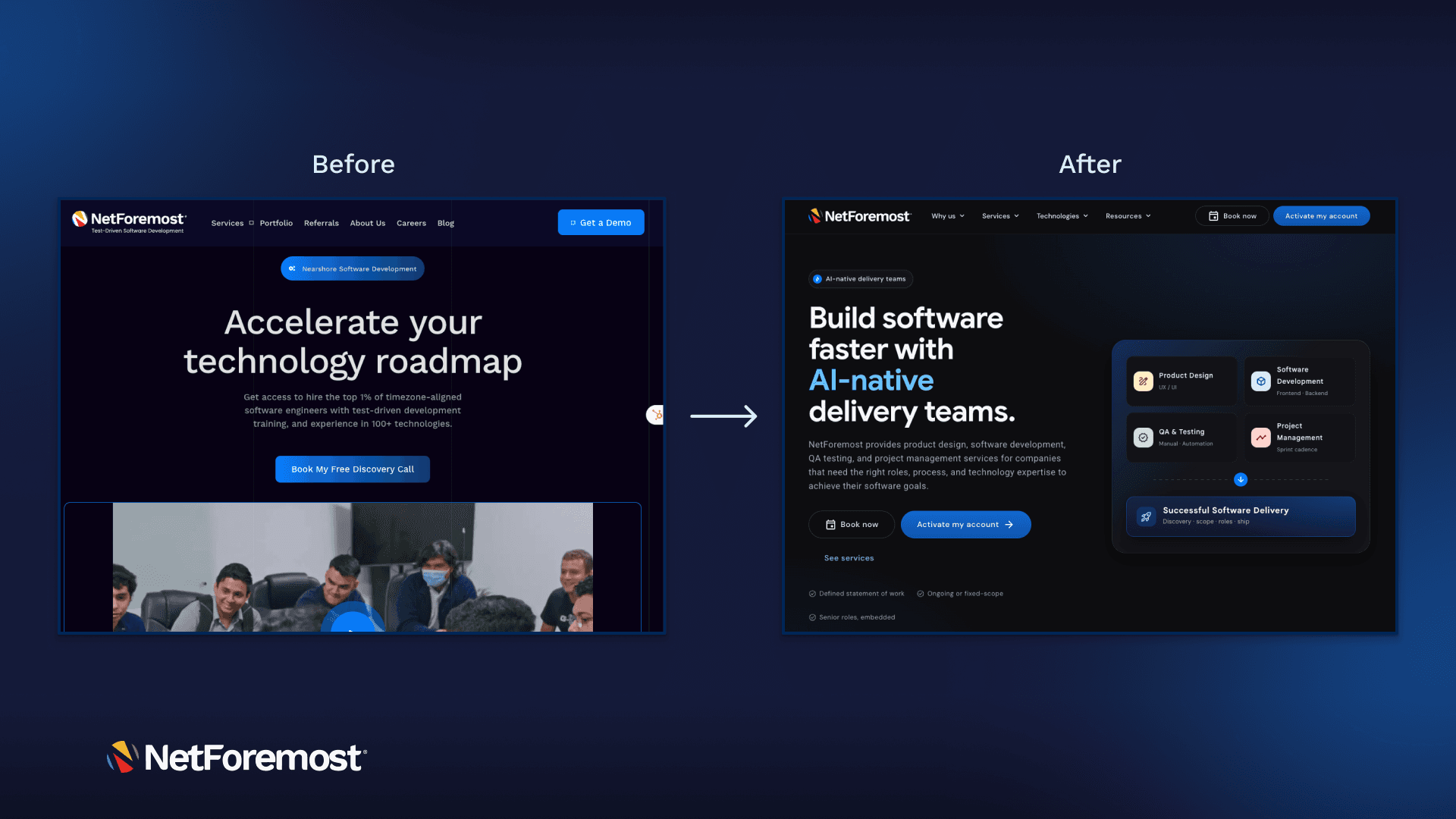
How we rebuilt our marketing site in two weeks: AI-native, end to end
We rebuilt the entire NetForemost marketing site in two weeks using Claude Design and Claude Code, a better, more consistent UX, shipped faster than our old stack allowed, with just 3 developers, 1 QA, and 1 PM.
 Portfolio
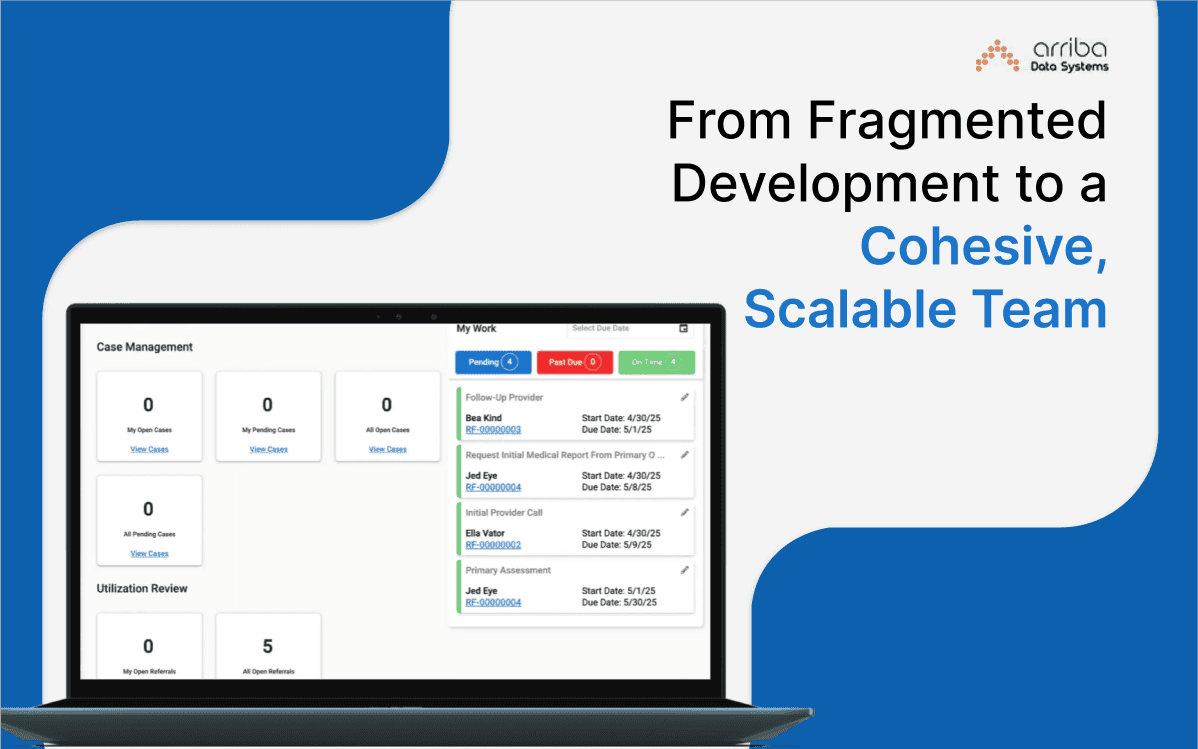
From Fragmented Development to a Cohesive, Scalable Team
Arriba Data System is transforming healthcare case management through a robust .NET and Angular platform now backed by a resilient team culture, Agile execution, and bi-monthly releases.