

The 5 Best Code Editors to Boost Your Web Development
Discover the top 5 code editors for web development, their features, pricing, and benefits to help boost your workflow and enhance your coding skills.
 Articles
On this page12 sections
In the fast-paced world of web development, choosing the right code editor can significantly impact a developer’s efficiency, quality, and overall coding experience. The best code editors for web development not only streamline the coding process but also offer various features that optimize workflow, from editing HTML and CSS to integrating with version control systems. In this article, we’ll explore the top 5 best code editors for web development, highlighting their features, pricing, and advantages, to help you make an informed choice and enhance your web development skills.
Top 5 Best Code Editors for Web Development
1. Visual Studio Code
Visual Studio Code (VS Code), developed by Microsoft, has become one of the most popular and comprehensive code editors for developers of all levels. This free, open-source editor supports a wide variety of programming languages, including JavaScript, Python, C++, and many others.
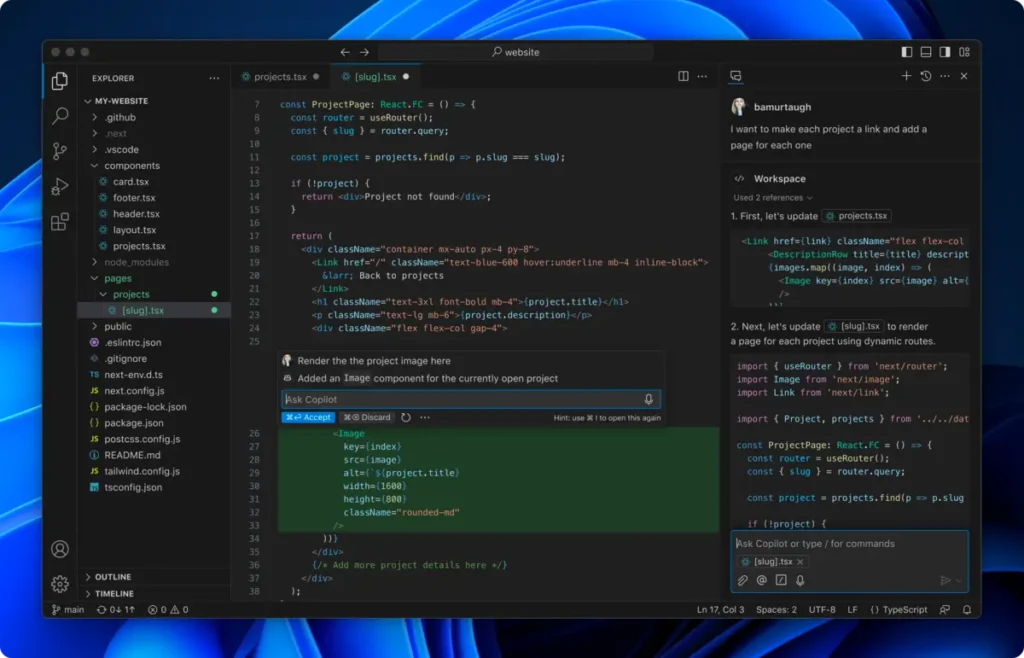
Features:
- Built-in Git integration for version control.
- Extensions support for endless customization and additional functionality.
- Integrated terminal and advanced debugging tools.
- Powerful autocomplete and syntax highlighting.
- Pricing: Free.
- Ideal for: Developers of all levels, especially those who value flexibility and customization in their development environment.
2. Sublime Text
Sublime Text is a lightweight and fast text editor known for its speed and performance. It’s ideal for those who want a smooth, uninterrupted editing experience with an intuitive interface and advanced customization options.
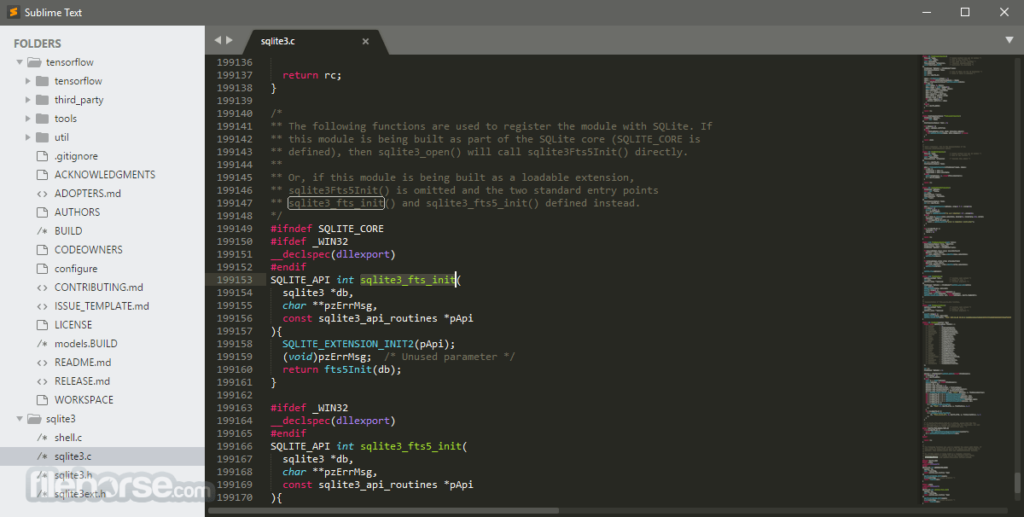
Features:
- Multiple cursors and multiple selections for efficient coding.
- Instant search and command palette for quick access to features.
- Minimalistic and responsive interface, even with large files.
- Extensive plugin collection through Package Control.
- Pricing: Free trial; full license costs $99.
- Ideal for: Web developers who prioritize speed and simplicity, and prefer a clean, streamlined interface.
3. JetBrains Fleet
JetBrains Fleet is a lightweight code editor designed for speed and flexibility, with support for remote collaboration and multiple programming languages. It’s ideal for those seeking a balance between simplicity and advanced tools.
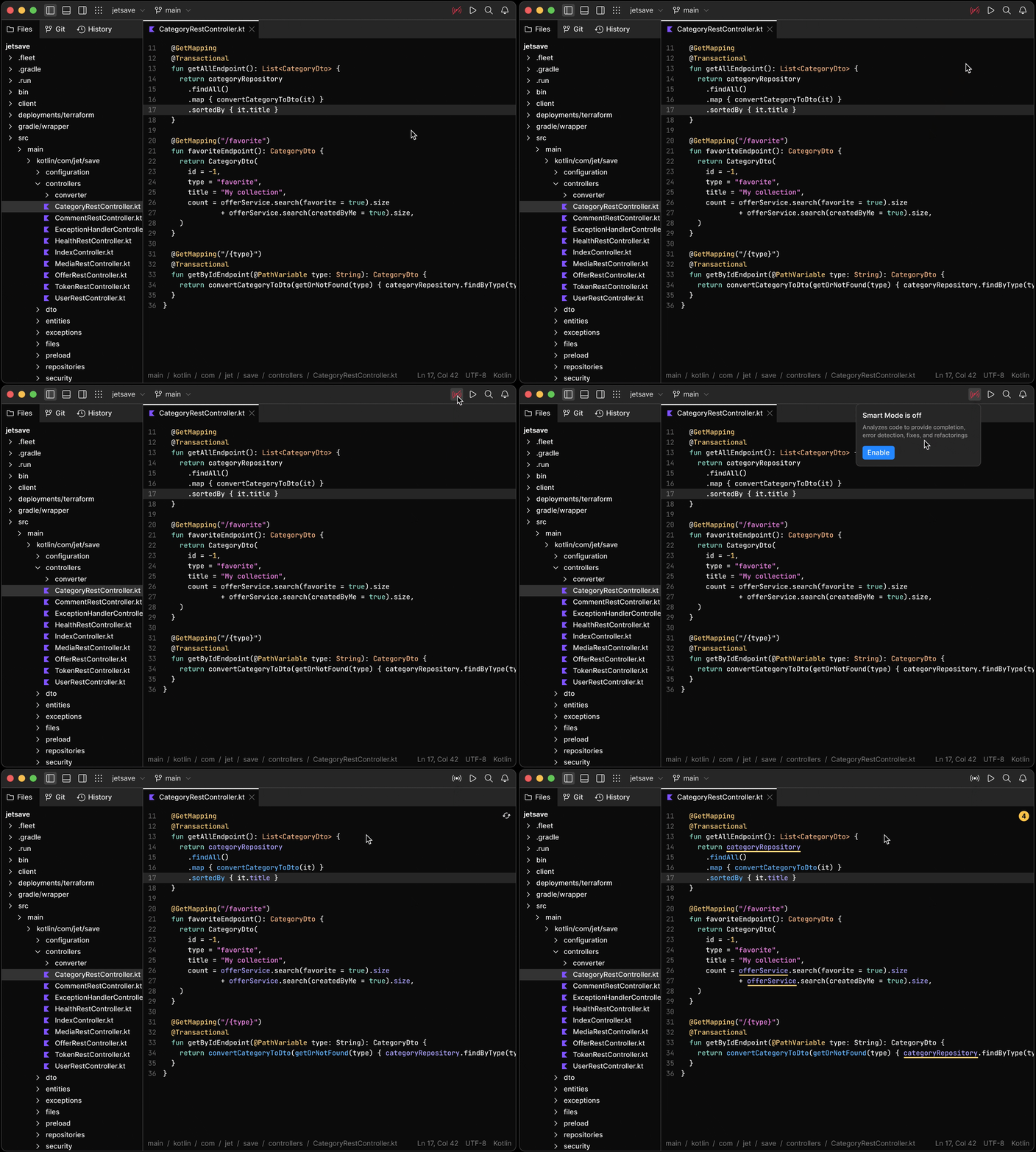
Key Features:
- Remote collaboration: Work in real-time with other developers.
- Multi-language support: Compatible with popular languages like JavaScript, Python, Java, and more.
- Integration with JetBrains IDEs: Leverage the power of IntelliJ for complex tasks.
- Modern, minimalist interface: Designed to boost productivity with minimal distractions.
- Pricing: Subscription-based model with free options for small teams or individual developers.
- Best for: Development teams needing collaborative features or developers seeking a lightweight editor with advanced capabilities.
4. Brackets
Brackets is a code editor tailored for web design, especially HTML, CSS, and JavaScript. It’s known for its useful front-end features and ease of use in real-time design work.
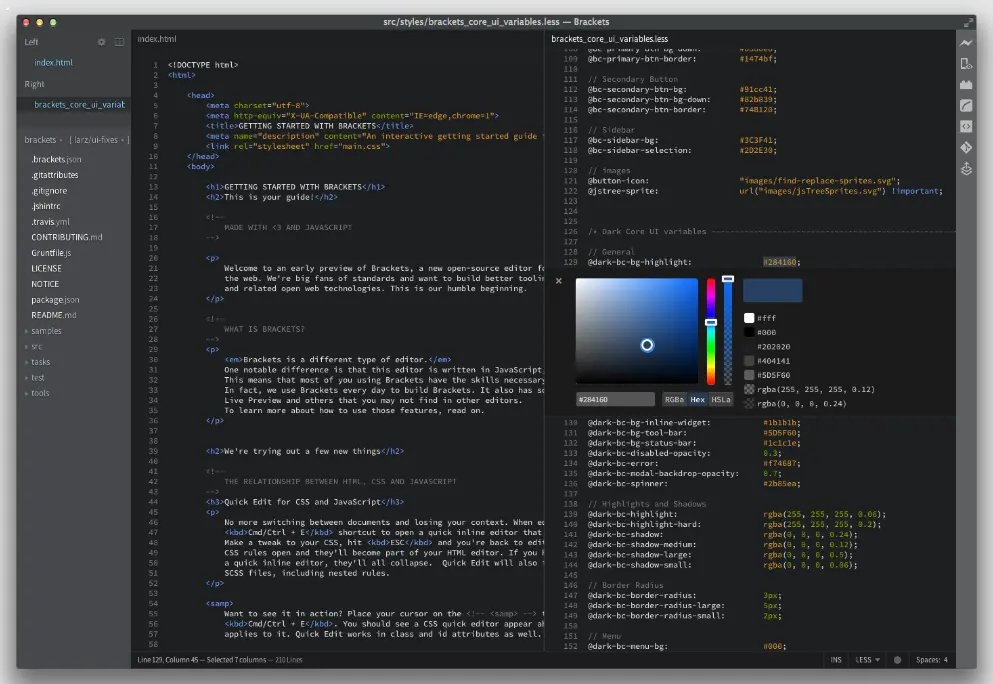
Features:
- Live preview for front-end development.
- Advanced CSS tools like quick color picking and gradient editors.
- Git integration.
- Extension support to enhance productivity in web design.
- Pricing: Free.
- Ideal for: Front-end developers and web designers who benefit from real-time previews when working with HTML and CSS.
5. Notepad++
Notepad++ is a free, lightweight code editor that’s great for developers who need a straightforward, effective tool without complex features. While it doesn’t offer as many advanced features as other editors, it’s highly functional for basic coding tasks.
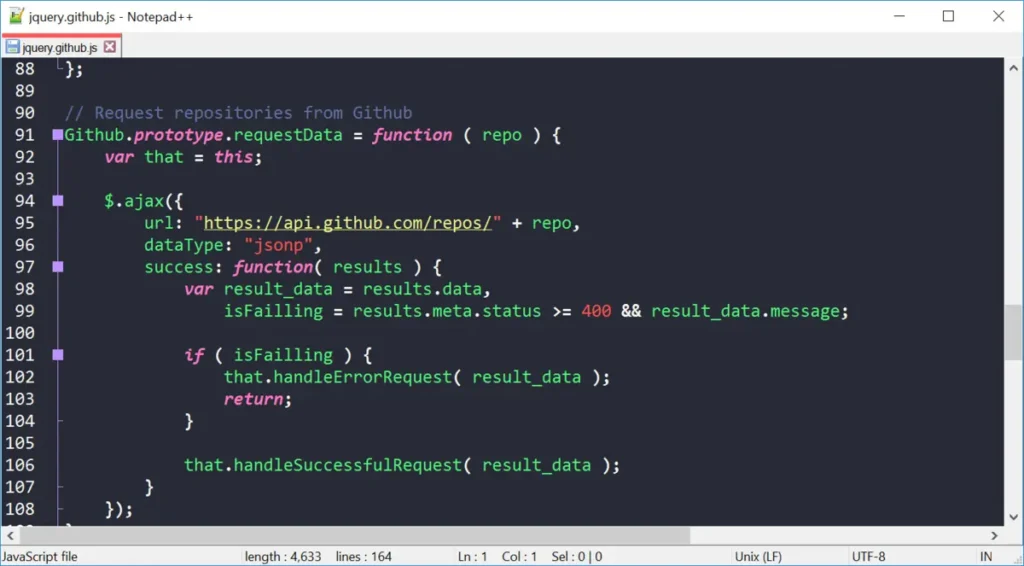
Features:
- Lightweight and fast performance.
- Syntax highlighting and basic autocomplete.
- Extensive support for various programming languages.
- Plugin support to extend its functionality.
- Pricing: Free.
- Ideal for: Beginners or developers seeking a simple, fast editor for coding basics.
The Bottom Line
While these five code editors stand out in the industry, there are many other options available that may suit specific developer needs. Other popular editors include PhpStorm, Vim, and WebStorm, each offering specialized features and advantages.
At NetForemost, we understand the importance of having the right tools in web development. If you’d like personalized guidance on optimizing your workflow or finding the best editor for your needs, schedule a call with us, and one of our experts will be happy to assist.
Keep reading
All resources Case study
Making an AI product reliable enough to ship: a QA and evaluation case
Generating AI ratings was the easy part. Making them reliable enough to ship took a continuous evaluation and QA loop, validated with real users before launch.
 Articles
What AI changed about how we evaluate engineers
A founder's account of how five years of AI changed what NetForemost looks for in an engineer, from output to judgment, and why that shift moves the whole delivery bottleneck.
 Case study
Mobile app onboarding redesign case study
An instrumented onboarding rebuild lifted a mobile app's sign-up completion from 48 to 70 per 100, and the same measurement showed where the real bottleneck was.