

What is Electron?
Explore Electron: a robust framework for creating cross-platform desktop applications using web technologies. Find out how it’s revolutionizing software development.
 Articles
On this page4 sections
In a world where the web dominates almost every aspect of our lives, is the desktop a thing of the past? Despite appearances, the answer is a firm “no.” The desktop remains crucial because, without it, the web would rely solely on mobile devices for access. While mobile devices account for nearly half of web interactions, the desktop’s role in business is far from obsolete.
This ongoing relevance keeps the market open for desktop development. While your business may be focused on expanding its web and mobile presence, web applications make this transition straightforward and flexible.
Web apps are delivered from a server to either a desktop or mobile device, accessible through a web browser and requiring a network connection. Their popularity stems from their compatibility with almost any platform, allowing developers to use the “write once, run everywhere” approach.
However, there’s another option that offers a desktop-like experience using web technologies: Electron. This open-source framework, developed by GitHub, combines the Chromium rendering engine with the Node.js runtime to create desktop GUI applications.
What Can You Build with Electron?
The popularity and flexibility of Electron are evident from the many successful apps developed with it. Some well-known examples include:
- Microsoft Visual Studio Code
- Slack
- Skype
- Discord
- WordPress Desktop
- Tusk
- Calmly Writer
- DevBook
- LightYearVPN
- LoopTeam
These examples showcase the diverse range of applications you can create with Electron, highlighting its versatility.
Electron allows development teams to create cross-platform applications that provide a consistent user experience across different devices. This means your company can deploy an Electron app that works seamlessly on both mobile devices and desktops, ensuring a unified experience regardless of the platform.
Since Electron apps use HTML and CSS for their UI, developers have significant freedom to design engaging and user-friendly interfaces. This approach eliminates the constraints typically associated with native UI kits and systems.
A basic Electron app consists of just three key files:
- package.json (app metadata)
- main.js (app code)
- index.html (app UI)
The framework is provided by the Electron executable file (electron.exe on Windows, electron.app on macOS, and electron on Linux), which can be customized for branding purposes.
What Else Can Electron Do?
Electron apps are also capable of integrating with Artificial Intelligence and Machine Learning. With tools like TensorFlow and Vue.js, along with WebGL-based GPU acceleration, you can enhance your app’s performance and capabilities. For AI and ML tasks, developers might use high-level APIs like face-api.js for tasks such as face recognition and emotion detection.
The flexibility of Electron means that if you can envision it, your developers can likely build it. Electron’s cross-platform capabilities allow you to reach a broad audience without being limited by platform-specific constraints.
Considerations for Electron Development
While Electron offers numerous advantages, it’s important to be aware of its potential security risks. As Electron apps run within the Chromium engine, they can be vulnerable to attacks like cross-site scripting and privilege escalation. Keeping your development team informed about the latest security vulnerabilities in both the Chromium engine and Node.js is crucial. Ensure that your engineers use the most recent versions of the Electron framework to mitigate potential risks.
In summary, Electron provides a powerful solution for creating cross-platform desktop applications with a web-based approach. Its ability to integrate with modern technologies and its flexibility make it a strong candidate for your next application development project.
Keep reading
All resources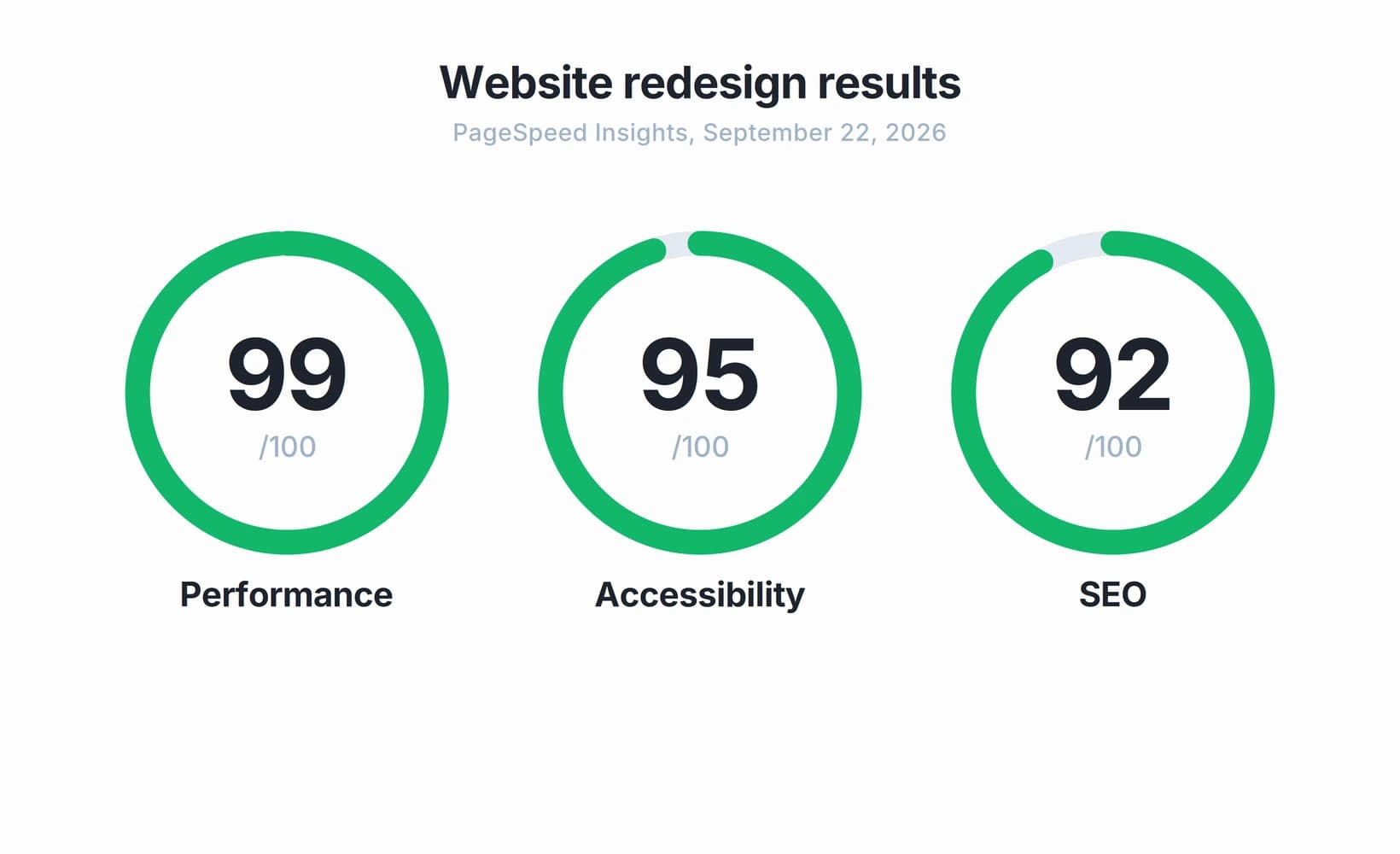 Case study
How a B2B website redesign reached a 99 performance score in 2 to 3 weeks
A B2B technology company needed to redesign and relaunch its website in two to three weeks. Here's how NetForemost took the project from design through production while measuring performance, accessibility and SEO.
 Guide
GuideFull-stack development services: how to evaluate a full-stack team before you sign
Full-stack capability is not the same as integrated delivery. Here is a practical way to tell whether you are hiring one accountable team or a collection of roles, before you sign.
 Articles
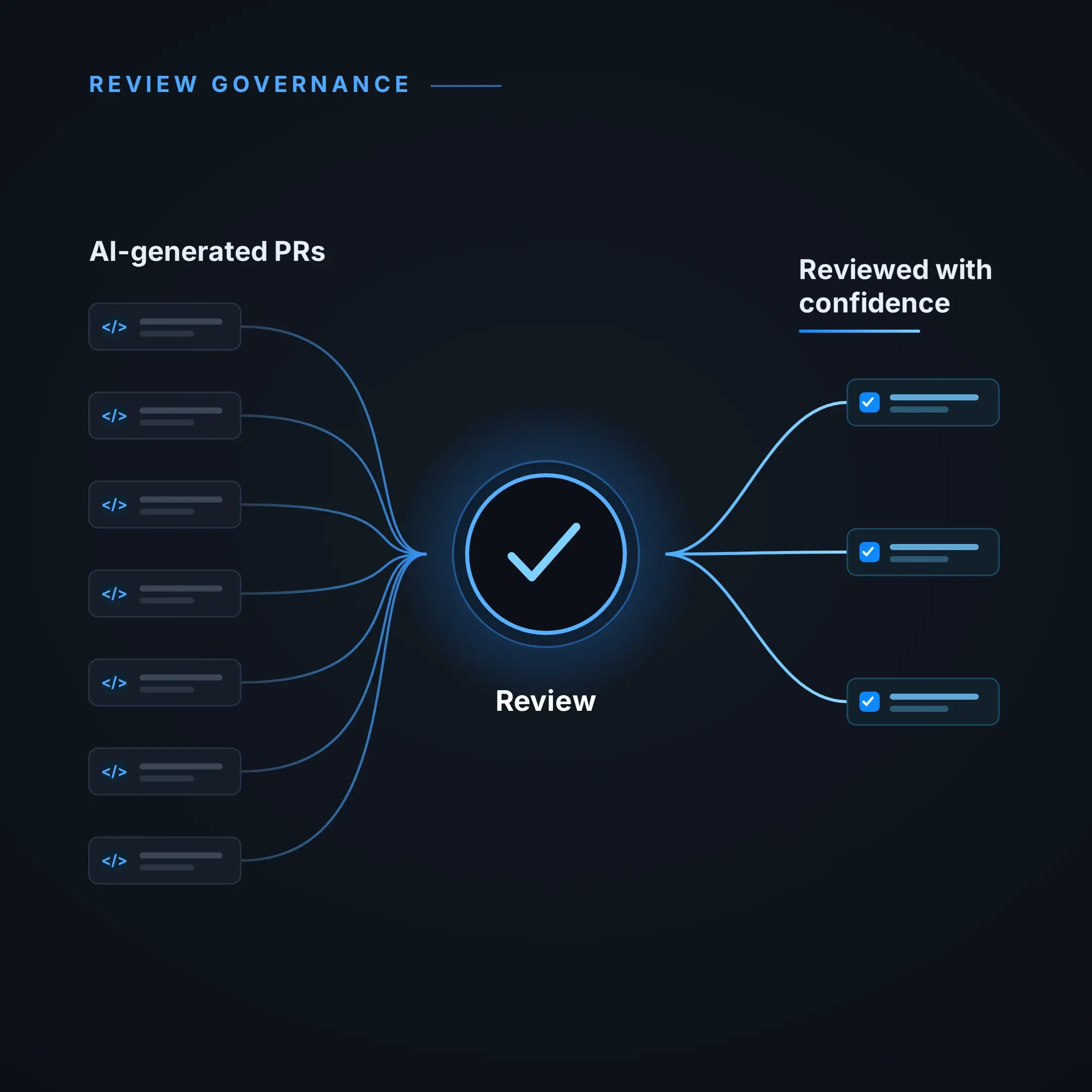
How to keep code review effective as your team ships more code with AI
As AI raises code volume, the bottleneck moves from writing code to reviewing it. Here is how engineering leaders keep review effective as throughput grows.