

What is Selenium And How It Works?
Explore Selenium, the powerhouse tool for automating web browsers. Discover how it revolutionizes testing by enabling efficient, automated workflows, ensuring robust and bug-free web applications.
 Guide
GuideOn this page3 sections
After your development team has spent countless hours crafting the latest web application for your business, you’re likely eager to see it deployed. But before that app can be made available to customers, it must undergo rigorous testing. Skipping this step could lead to significant problems, including application failures or even security vulnerabilities that put sensitive data at risk—a situation no business wants to face.
To prevent such issues, it’s crucial to have a dedicated team focused on testing your applications. This testing phase is essential, but it doesn’t have to be time-consuming. With automated testing tools like Selenium, you can streamline the process. Selenium, an open-source framework designed for automating web application testing, validates your app across different browsers and platforms, sparing you the hassle of manual testing.
Created in 2004 by ThoughtWorks engineer Jason Higgins, Selenium started as a JavaScript-based tool to automate browser actions, making testing more efficient. Higgins open-sourced his work, naming it Selenium Core, which evolved into the robust framework we know today.
How Selenium Works
Selenium isn’t a single application; it’s a suite of tools that allows you to automate testing using languages like Java, C#, and Python to create test scripts. It includes:
- Selenium IDE: A Firefox extension that automates testing via record-and-playback.
- Selenium Remote Control (RC): A server that allows you to write automated tests in various programming languages.
- WebDriver: Controls the browser at the OS level, providing a more advanced testing framework.
- Selenium Grid: Distributes tests across multiple machines, capturing browser screenshots during tests.
WebDriver, the core of Selenium 2, interacts with browsers by sending commands from your test script to a browser-specific driver, which then executes those commands in the browser instance.
Benefits of Using Selenium
The advantages of Selenium are clear: it automates manual, repetitive, and time-consuming testing, allowing your team to focus on development rather than tedious testing. By automating the testing process across various browser and OS combinations, you save time and money while ensuring your application is reliable.
For example, testing a user signup form manually across multiple browsers and platforms can take considerable time. With Selenium, this process can be automated, freeing your team to focus on other tasks.
Selenium also integrates seamlessly into CI/CD pipelines, enhancing the efficiency of your software development life cycle by automating testing during continuous integration and continuous delivery.
Conclusion
While Selenium has a learning curve, the time invested in mastering it will pay off. By automating your web application testing, you’ll reduce testing time, increase reliability, and ensure that your applications are ready for deployment with confidence. For any business serious about efficient and effective web application development, Selenium is an invaluable tool.
Keep reading
All resources Case study
Making an AI product reliable enough to ship: a QA and evaluation case
Generating AI ratings was the easy part. Making them reliable enough to ship took a continuous evaluation and QA loop, validated with real users before launch.
 Case study
Health and Wellness Mobile App Development Case Study
When a client's input slows down in the middle of a project, delivery does not have to stall.
 Case study
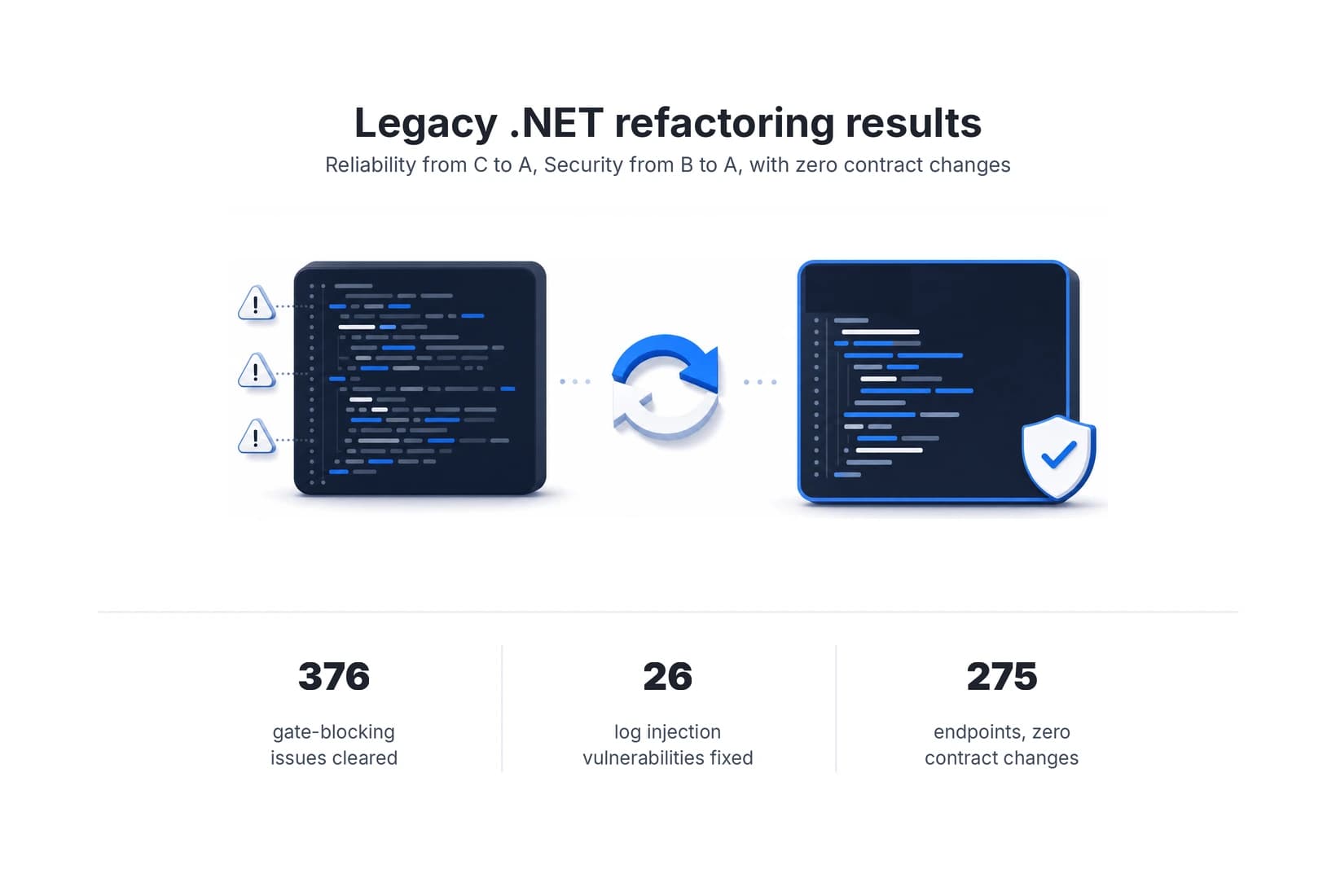
Legacy code refactoring on a live .NET 8 API, with zero contract changes
How AI-native development cleared a blocking SonarQube quality gate and 26 log injection vulnerabilities in a production .NET 8 API, with zero contract changes across all 275 endpoints.