
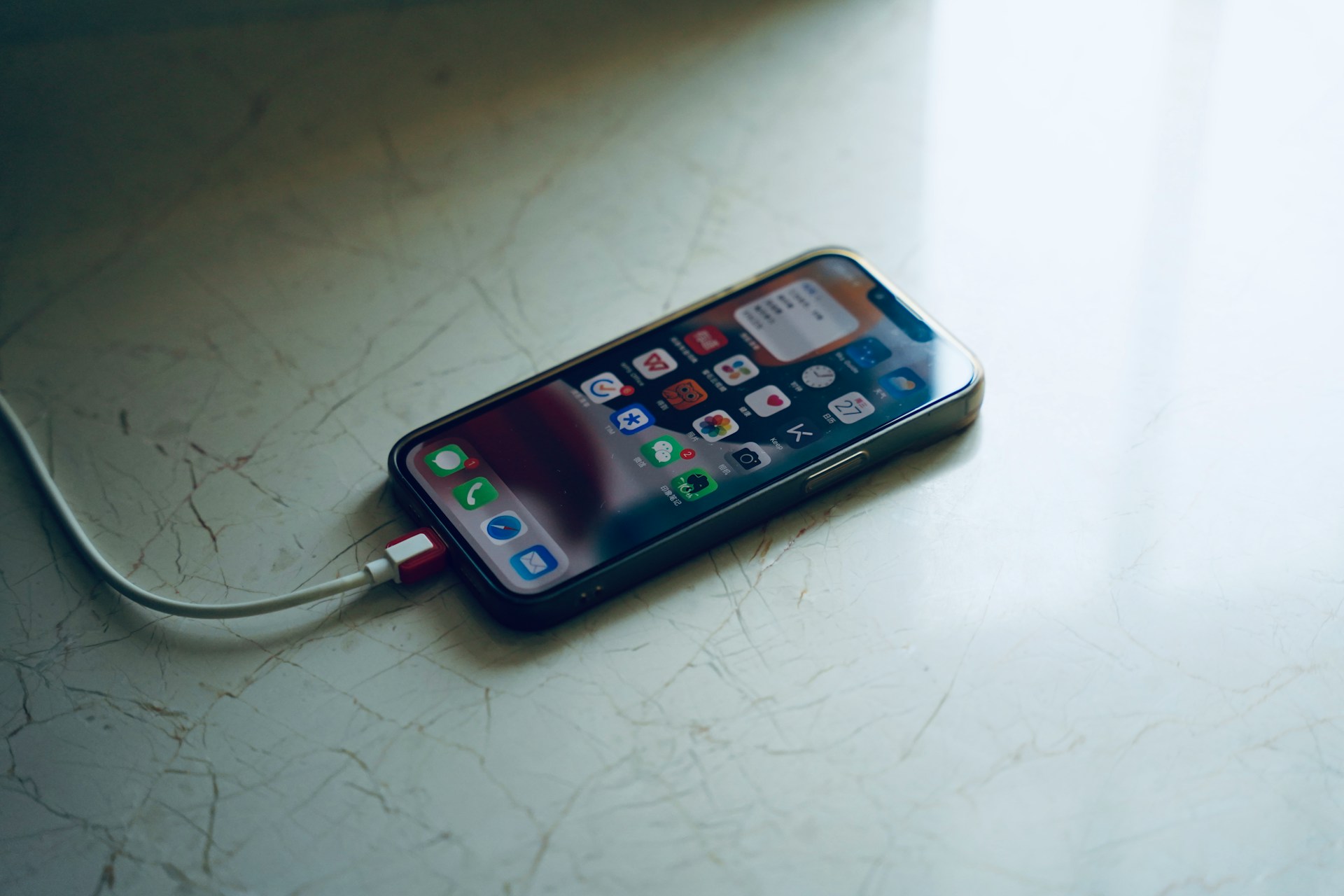
There’s nothing more frustrating than watching your phone battery melt away while using an app that doesn’t even seem like it should be doing much. You open the app for a couple of minutes, check a few things, and yet somehow you’ve already lost a big chunk of battery. This kind of unnecessary battery drain pushes users to uninstall apps fast. And once that happens, it’s hard to win them back.
Battery life plays a huge role in how people experience mobile applications. If an app is chewing through power without giving users a clear benefit, it doesn’t matter how well it’s designed or how fun it is to use. People care about how long their phones last on a single charge, and if your app becomes a drain, you’re on thin ice. Tackling battery usage isn’t about making an app look good. It’s about making it work better, last longer, and keep users around.
Understanding Battery Drain Causes
Battery drain isn’t just from flashy graphics or heavy downloads. Most of the time, the problems are happening quietly in the background. When apps run too many tasks behind the scenes, like syncing data often or keeping sensors turned on, they end up pulling more power than needed. Some of these may be necessary, but more often than not, they’re overused or forgotten entirely.
Here are some key causes of unnecessary battery drain:
– Background services: Many apps keep things running all the time—notifications, syncs, updates. If not managed properly, these services become the biggest culprits.
– Location tracking: When apps continuously ask for GPS data, especially without user input, the battery is going to drop fast.
– Poor code optimization: Functions that are written to run too frequently or inefficiently can have a constant pull on resources. This is especially true when tracking data or checking for updates too often.
– Sensor overuse: Using the camera, accelerometer, gyroscope, and other sensors without breaks can drain power quickly.
– Too many features: Apps that try to do too much or include features that aren’t even being used can lead to battery usage piling up unnecessarily.
Even apps that don’t look that complex can end up being power-hungry due to small coding choices and lack of energy-aware design. Think of it this way, a sleek and stylish car means nothing if the engine burns fuel way too fast.
Techniques to Reduce Battery Consumption
There’s a balance to strike between giving users the features they want and making sure the app doesn’t destroy their battery. It starts with understanding what absolutely needs to run, when it needs to run, and how frequently it should show up.
Here are some methods that help reduce battery usage and keep performance steady:
1. Cut back on background processing: Limit how often background tasks run. Push them to execute only when required or during specific time slots.
2. Manage location requests wisely: Use location services only when the app is active or when the user takes an action that clearly needs it. Switch to lower-accuracy modes unless high precision is necessary.
3. Batch updates: Instead of frequent pings for data like messages or alerts, group them together. Let the app make fewer connections to the server.
4. Optimize network usage: Avoid keeping the app connected to the internet persistently. This is a common issue with chat apps or live feeds that refresh too often.
5. Use OS-friendly features: Both Android and iOS have tools designed to manage power-hungry behavior. Taking advantage of what the platform provides can prevent the system from flagging the app as a problem.
6. Test on real devices: Emulators don’t always tell the full story. Use real hardware to see how things impact battery from an actual user’s perspective.
There’s no need to remove helpful features. It’s about knowing when to call them into action and when to let the app rest. For example, a weather app doesn’t need to track location constantly. It probably only needs that information once in a while or when the user opens it up.
Best Practices for Coding and Design
Writing code that’s mindful of battery use starts with rethinking how the app’s core features work together. Small decisions made during development can have a big impact once the app is live. That includes how you loop through data, how often you ping external servers, and whether repeated tasks can be delayed or bundled.
Using lightweight algorithms matters. If an operation can be completed with fewer computations or by avoiding redundancy altogether, it’s worth the change. For example, if a news app fetches articles from multiple sources but checks every few minutes, that routine could be updated to fetch only at app startup or when the user manually refreshes. That saves network calls, reduces background activity, and helps battery life without removing any features.
Here are some things developers can do during the build process to write smarter code:
– Pick energy-aware libraries that are designed to skip unnecessary processes.
– Turn off high-power hardware (like GPS or camera) automatically once a task is finished.
– Cache outcomes of commonly used functions when possible.
– Reduce animations or run them only when the user is actively on the page.
– Avoid frequent polling. Use systems like push notifications or observers that activate only when needed.
Battery testing should also happen throughout development, not just in the final steps. Just like you test for bugs or responsiveness, you should test for battery usage during both idle and active app states. This helps you flag and fix behaviors that might otherwise go unnoticed—like a background sync running endlessly or a sensor staying on even after it’s used.
One project we worked on involved a fitness app that tracked location heavily. The team initially had it logging real-time data every few seconds. We helped them adjust it to track only when movement was detected and to reduce updates in low-motion scenarios. That change alone extended the typical battery life during app usage by several hours without losing functionality.
How NetForemost Enhances Mobile App Efficiency
At NetForemost, part of our approach to nearshore mobile app development is making sure performance doesn’t come at the cost of power. It’s not just about building apps that work well, but about building apps that work efficiently. We focus on things like power-conscious design, reduced background activity, and making sure the features users care about don’t drain their battery.
Several of our past projects highlight this. In one case, we scaled back location usage in a real-time tracking app so that it updated only during specific triggers. In another, we implemented smarter data sync strategies that significantly cut down unnecessary server contacts. Each change helped extend battery life without reducing performance or removing features people used.
We don’t rely on guesswork. We build with performance in mind at every stage, and we rely on real-world testing—on real devices—to guide our improvements. That’s how we deliver apps that feel lighter, run smoother, and are easier on devices.
To explore specific examples and see the results yourself, take a look at our portfolio at https://portfolio.netforemost.com/.
Your Path to Efficient and User-Friendly Apps
Reducing battery drain isn’t just a nice-to-have. It’s something users notice right away, and it can make or break their decision to keep your app installed. A longer battery life helps reduce complaints, builds user trust, and keeps people coming back.
The good news is you don’t have to pull your app apart to fix this. A few carefully made changes in design strategy, smarter coding decisions, and thoughtful feature timing can all make a huge difference. Over time, those kinds of decisions build better reviews, higher engagement, and longer app lifespan.
By taking a power-conscious path through development, you’re not just building an app. You’re building a better experience.
Looking to make your app run smoother and last longer between charges? Learn how nearshore mobile app development with NetForemost can help you build high-performance solutions that are both energy-efficient and user-friendly. Explore our portfolio of successful mobile projects at this link and see how we can bring your next big idea to life.